Drive and exciter for Mac
Cinder
Hot, not loud.
Drive your sound into a curve you watch on the screen, choose how it breaks up, add some shine on top, and Matched keeps it about as loud as it went in.
$15 until December 31, then $29
The free download is the whole plugin. Until you add a license, it dips in volume for a moment once a minute. Or play it here first.
- Platform
- macOS 11 or later · Apple silicon and Intel
- Formats
- VST3 · AU · Standalone
- Tested on
- macOS 26.5 on Apple silicon (M5)
- Version
- 1.0.0
In your browser
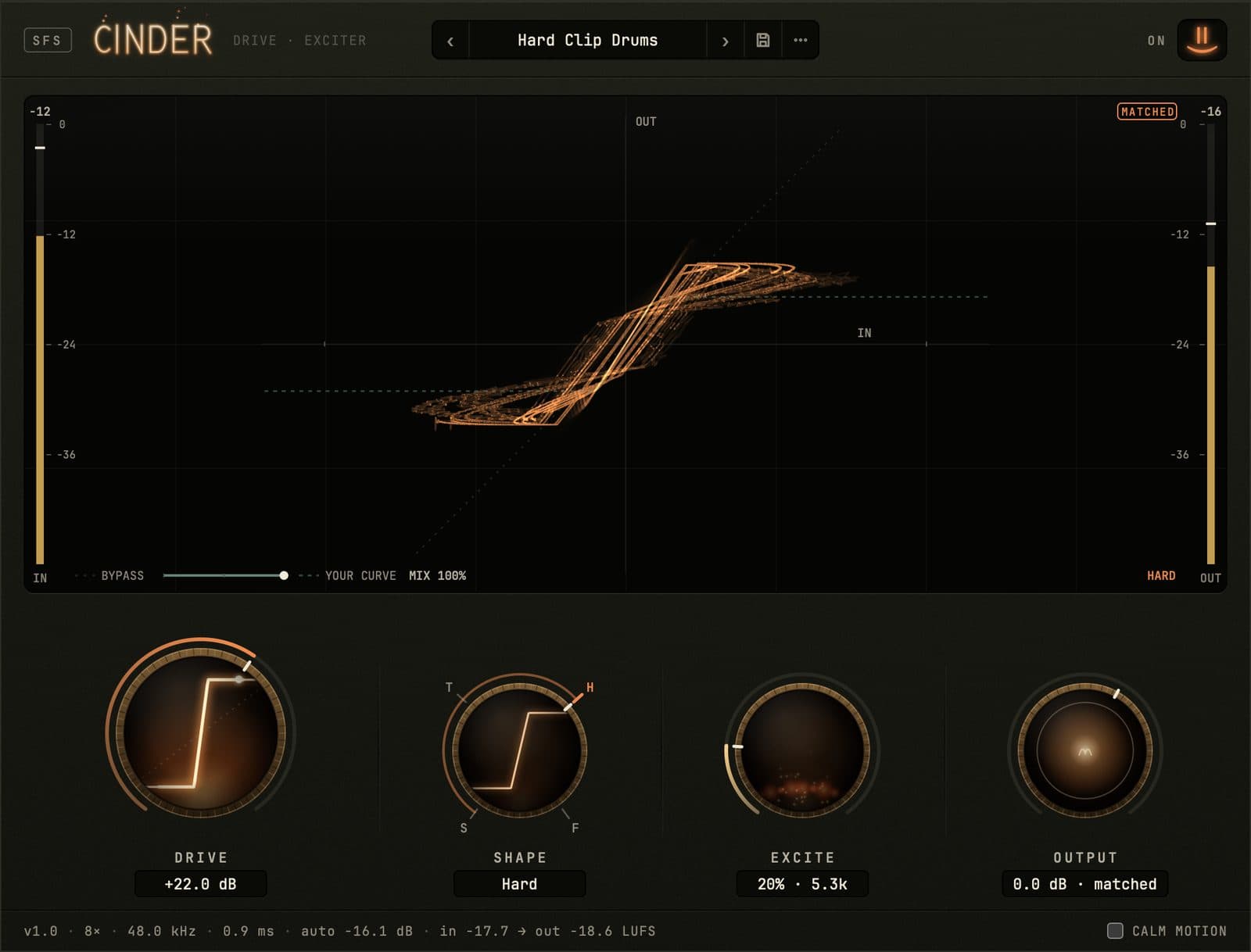
Push Drive and watch the beam
Cinder in your browser, running the plugin's own engine, with the same four knobs and the same screen. Start the drum loop and turn Drive up until the ends of the beam go flat. Then try Fold.
Watch3 short films, a minute or less each
Transcript
Cinder is a drive and exciter you can watch.
Its screen draws your own audio: what goes in runs across, what comes out runs up.
Four knobs shape that line.
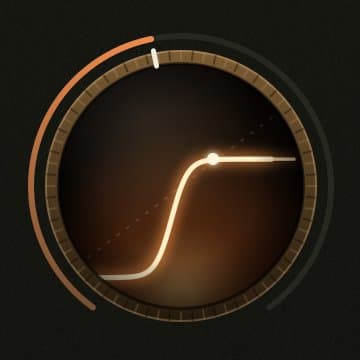
Drive sets how hard your audio hits the curve.
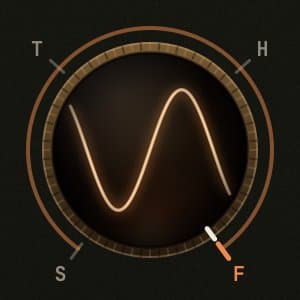
Shape runs Soft to Tube to Hard to Fold.
Excite adds harmonics and presence to the top end.
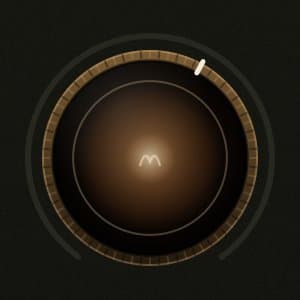
Output sets the final level, up or down.
Tube warms as you play, and its curve leans with the heat.
Matched takes back the loudness Cinder adds, measured at −18 dBFS.
Flick Drive: the sound surges, and the knob springs home.
31 presets, from drums to the mix bus.
Get Cinder for Mac at smileyface.studio.
The four knobs
Drive, Shape, Excite, Output
Drive
How hard your signal hits the curve, from clean at 0 to about +30 dB. Flick it and the sound surges, then the knob springs back to where you left it.
Shape
Soft, Tube, Hard or Fold, with a stop at each and every shade between. Tube warms up as you play, and its curve leans with the heat.

Excite
Adds harmonics and a bit of presence up high. The band it works on slides from 6 kHz down to 3.2 kHz as you turn it up.
Output
Matched, on to start, keeps Cinder about as loud as what went in, and Output trims around that. Switch Matched off on the meter and it's plain gain, −18 to +12 dB.
Made at Smiley Face Studio · San Diego
Bring the heat
Cinder
$15 until December 31, then $29.
- How it arrives
- Pay with PayPal or a card. Your license and the download are on the next page, and in your inbox.
- The license
- One license covers every format, on the Macs you make music on. It works offline, with no account and no iLok. Updates are free.
- Your Mac
- macOS 11 or later, Apple silicon or Intel. There’s no Windows version, and no AAX for Pro Tools, yet.
- Questions?
- Write to david@smileyface.studio.
All sales are final (refund policy).
Tell us what you think
Tell us what you put it on, and what you wish it did.
Report a bug
Say what you did and what you expected. The fix comes back to you as a free update.