Delay for Mac
Omen
Echoes you can see coming.
A delay locked to your tempo that draws every echo on its way to you, with a Feedback knob you flick for a dub throw.
$15 until December 31, then $29
The free download is the whole plugin. Until you add a license, it dips in volume for a moment once a minute. Or play it here first.
- Platform
- macOS 11 or later · Apple silicon and Intel
- Formats
- VST3 · AU · Standalone
- Tested on
- macOS 26.5 on Apple silicon (M5)
- Version
- 1.0.0
In your browser
Throw a dub echo
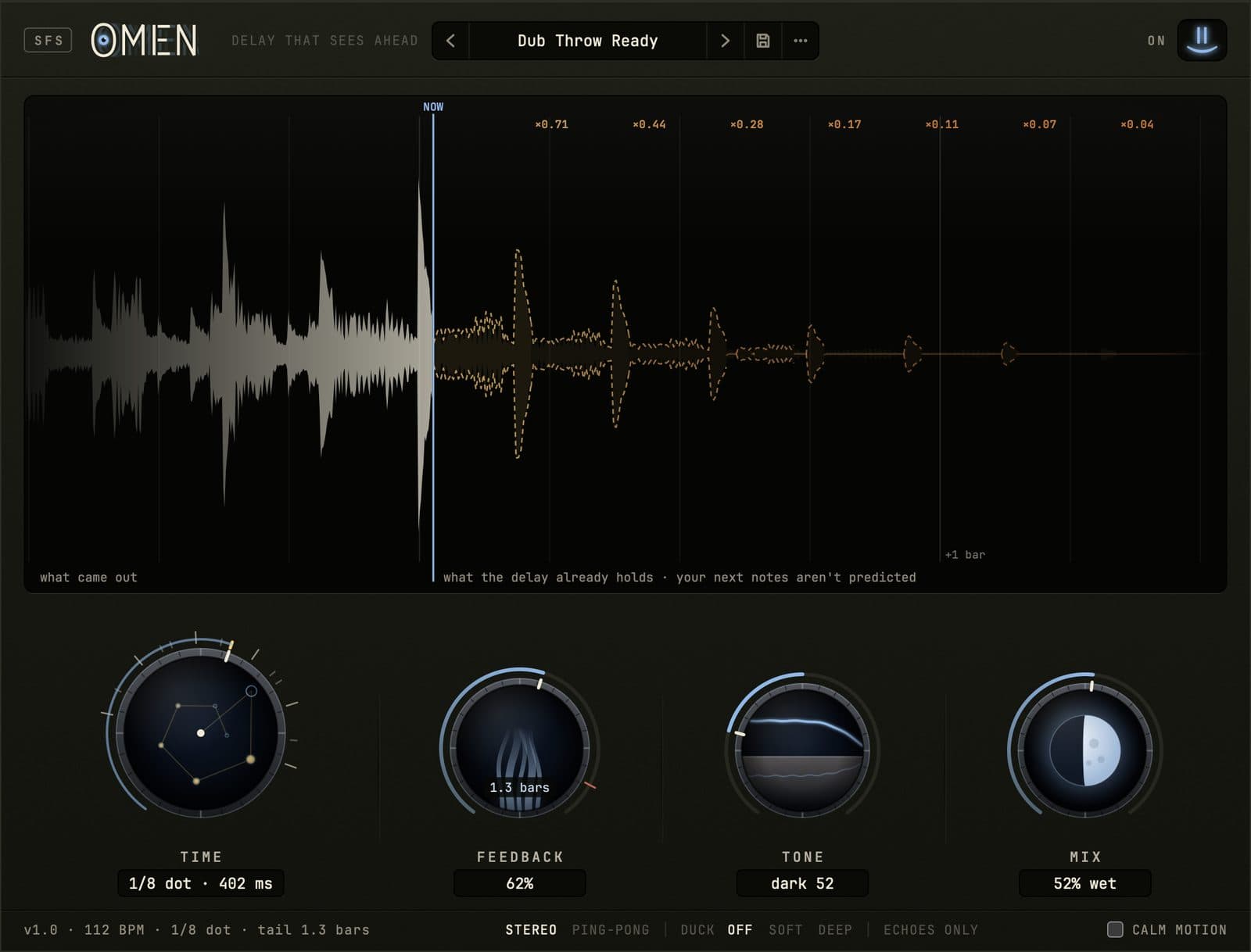
Omen rebuilt for the browser, with the same four knobs and the same screen. Start the loop, flick Feedback up and let go, and watch the repeats stack up right of the NOW line before you hear them.
Watch3 short films, a minute or less each
Transcript
Omen is a delay with four knobs, and a screen that draws your echoes before you hear them.
Left of the NOW line is what you just heard. To the right, the echoes the delay already holds.
The four knobs.
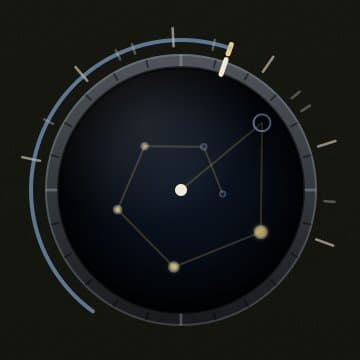
Time steps through note divisions.
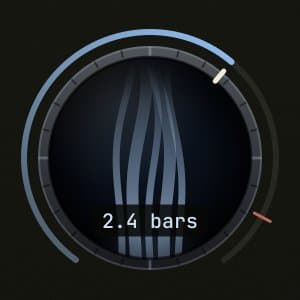
Feedback sets how long the echoes last.
Tone darkens or thins every repeat.
Mix sets how much echo you hear.
Flick Feedback for a dub throw, and one echo comes back as loud as the one before.
Turn Time while the echoes ring, and they bend like tape, but never backwards.
Turn on ducking, and the echoes step back while the music plays, then fill the silence.
Press Echoes only to hear just the delay, then switch back to your blend exactly where it was.
Omen, for Mac. Find it at smileyface.studio.
The four knobs
Time, Feedback, Tone, Mix
Time
Locks to 15 note values at your DAW's tempo, 1/32 to 2 bars, up to 4 seconds long. Hold Option while you drag for free time.
Feedback
How much of each echo comes back. It stops at 100%, where the echoes hold; past that they swell. Flick it for a dub throw.

Tone
Darkens the echoes one way and thins them the other, a little more on every repeat. Dead flat at the center.

Mix
Dry against echo. At 100% the dry is gone, which is what you want on a send.
Made at Smiley Face Studio · San Diego
See the future
Omen
$15 until December 31, then $29.
- How it arrives
- Pay with PayPal or a card. Your license and the download are on the next page, and in your inbox.
- The license
- One license covers every format, on the Macs you make music on. It works offline, with no account and no iLok. Updates are free.
- Your Mac
- macOS 11 or later, Apple silicon or Intel. There’s no Windows version, and no AAX for Pro Tools, yet.
- Questions?
- Write to david@smileyface.studio.
All sales are final (refund policy).
Tell us what you think
What did you send through it? And what do you wish it did?
Report a bug
Say what you did and what you expected. The fix comes back to you as a free update.