Modulation effect for Mac
Lustra
The shimmer you've been chasing.
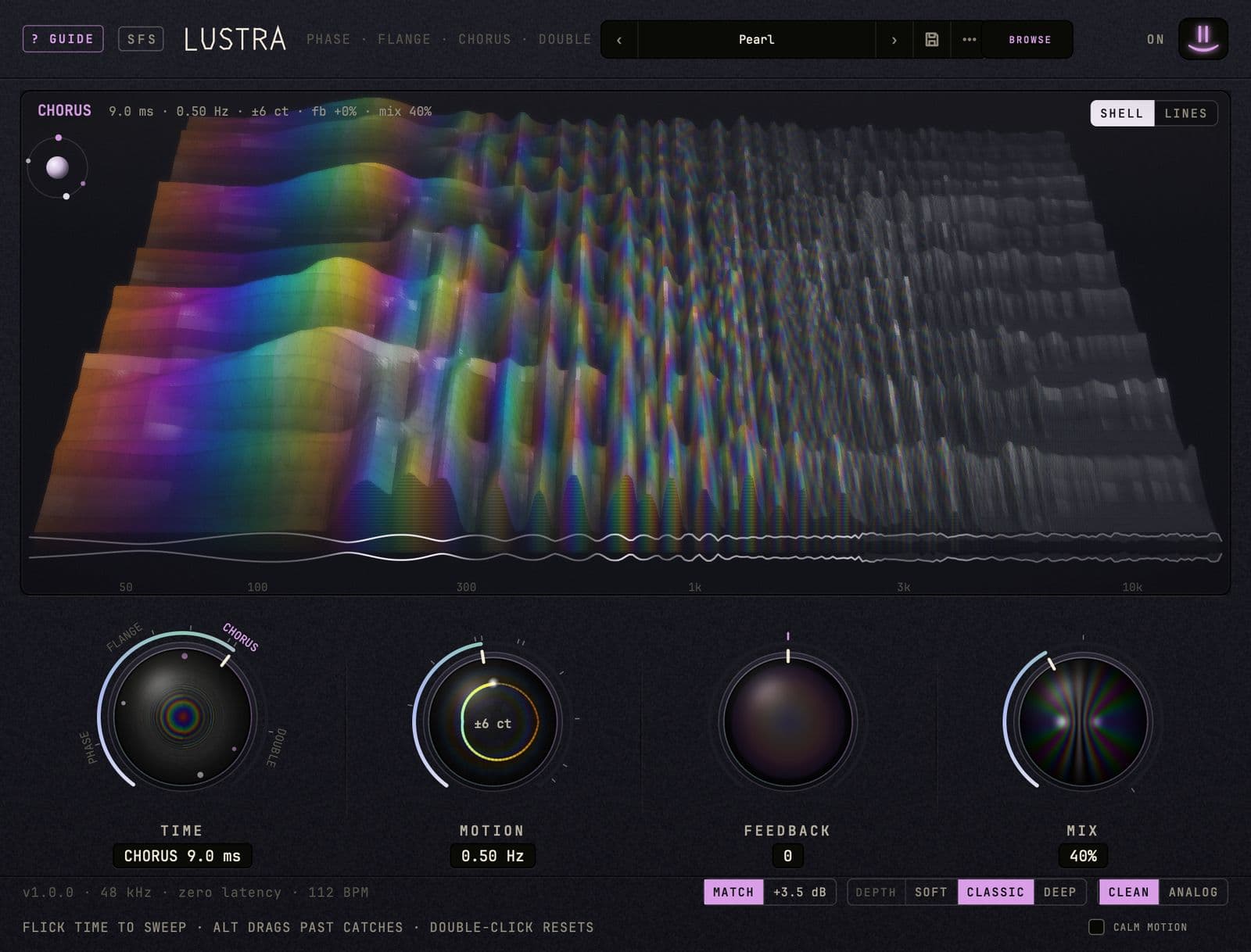
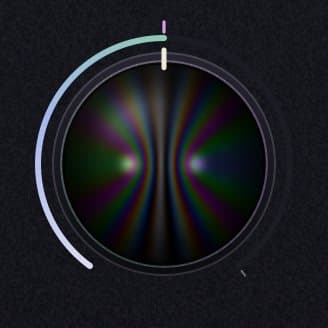
Turn Time and Lustra moves from phaser to flanger to chorus to a double, Mix at full turns it into vibrato, and the shell on the screen takes its color from the comb filter you're hearing.
$15 until December 31, then $29
Try out the plugin for free, purchase a license to own it.
- Platform
- macOS 11 or later · Apple silicon and Intel
- Formats
- VST3 · AU · Standalone
- Tested on
- Ableton Live 12 (VST3) and Logic Pro (AU), on macOS 26.5 on Apple silicon (M5)
- Version
- 1.0.0
In your browser
Press Start, then turn Time slowly
Lustra's own sound code, running in this page. The band plays through Pearl. Sweep Time from left to right, flick it and let it spring back, then open BROWSE and try Jet, Hollow and Seasick.
Watch6 short films, a minute or less each
Transcript
This is Lustra. One knob, four effects.
Turn Time. At the bottom, it's a phaser.
Further up, a flanger.
Then a chorus.
And at the top, a double: a second player, right behind the first.
They're one circuit at four delay lengths, so Time glides from one to the next.
Four effects, one knob. Get Lustra for Mac at smileyface.studio.
The four knobs
Time, Motion, Feedback, Mix
Time
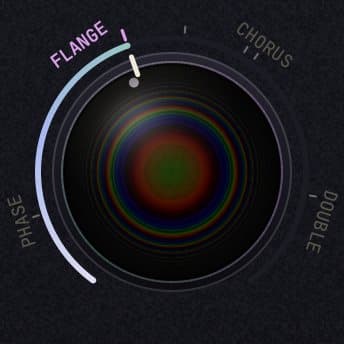
Where you are on the path: PHASE sweeps an allpass chain from 4 kHz down to 300 Hz, FLANGE is 0.1 to 3 ms, CHORUS 3 to 25 ms and DOUBLE 25 to 60 ms. Flick it and let go, and it sweeps through the zones and springs back to where it was.
Motion
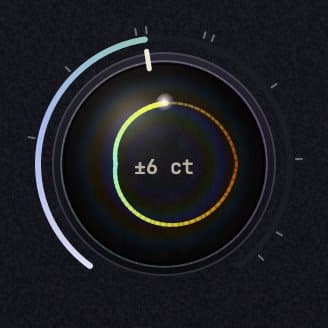
How fast the delay moves, from 0.03 to 12 Hz. It catches on tempo divisions from 4 bars to 1/16, and caught on one, the sweep locks to your DAW's playhead.
Feedback
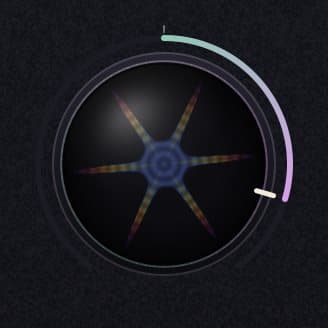
Feeds the delay back into itself, from −95% to +95%. Below zero it goes hollow and thin in the bass; above, it rings like a jet.
Mix
Dry against the moving copy. It catches at 50%, where the comb cuts deepest, and at 100%, where just the moving copy is left: vibrato.

MATCH
A moving copy mixed with your sound changes how loud it is, and the louder side wins any A/B. MATCH works that change out from the settings and trims the output by it, so Lustra comes in about as loud as your dry track. It never listens to your signal, so it can't pump. The footer shows the trim; switch MATCH off to hear the raw level.
30 presets, by genre
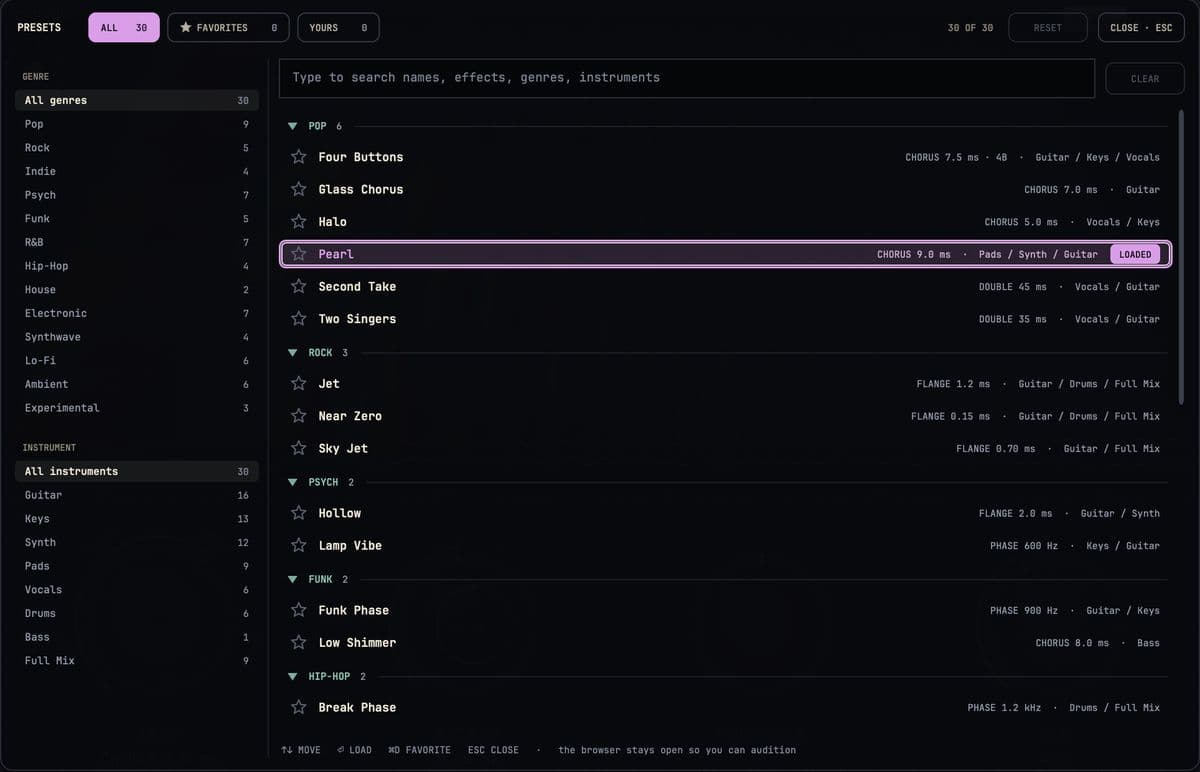
'82 I and '82 II, a jet flange locked to your tempo, a funk phaser, a vocal double, tape wow and flutter, and a few that ring. BROWSE opens them in genre folders, searches by name, effect, genre or instrument, and keeps your favorites starred.
Made at Smiley Face Studio · San Diego
Why pick one?
Lustra
$15 until December 31, then $29.
- How it arrives
- Pay with PayPal or a card. Your license and the download are on the next page, and in your inbox.
- The license
- One license covers every format, on the Macs you make music on. It works offline, with no account and no iLok. Updates are free.
- Your Mac
- macOS 11 or later, Apple silicon or Intel. There’s no Windows version, and no AAX for Pro Tools, yet.
- Questions?
- Write to david@smileyface.studio.
All sales are final (refund policy).
Tell us what you think
A sound it made better, one it made worse, or a preset you wish it had. Tell us.
Report a bug
Say what you did and what you expected. The fix comes back to you as a free update.